5.5 Canvas
5.5.1 Setting Canvas Properties
- Default Color: Pre-set the default color, so that elements dragged onto the canvas (basic shapes, text, icons) automatically unify to the default color.
- Background: Background image, background color
- Grid: Background grid, grid color, grid size, grid angle
- Ruler: Enable ruler, ruler color
5.5.2 Setting Canvas Layout
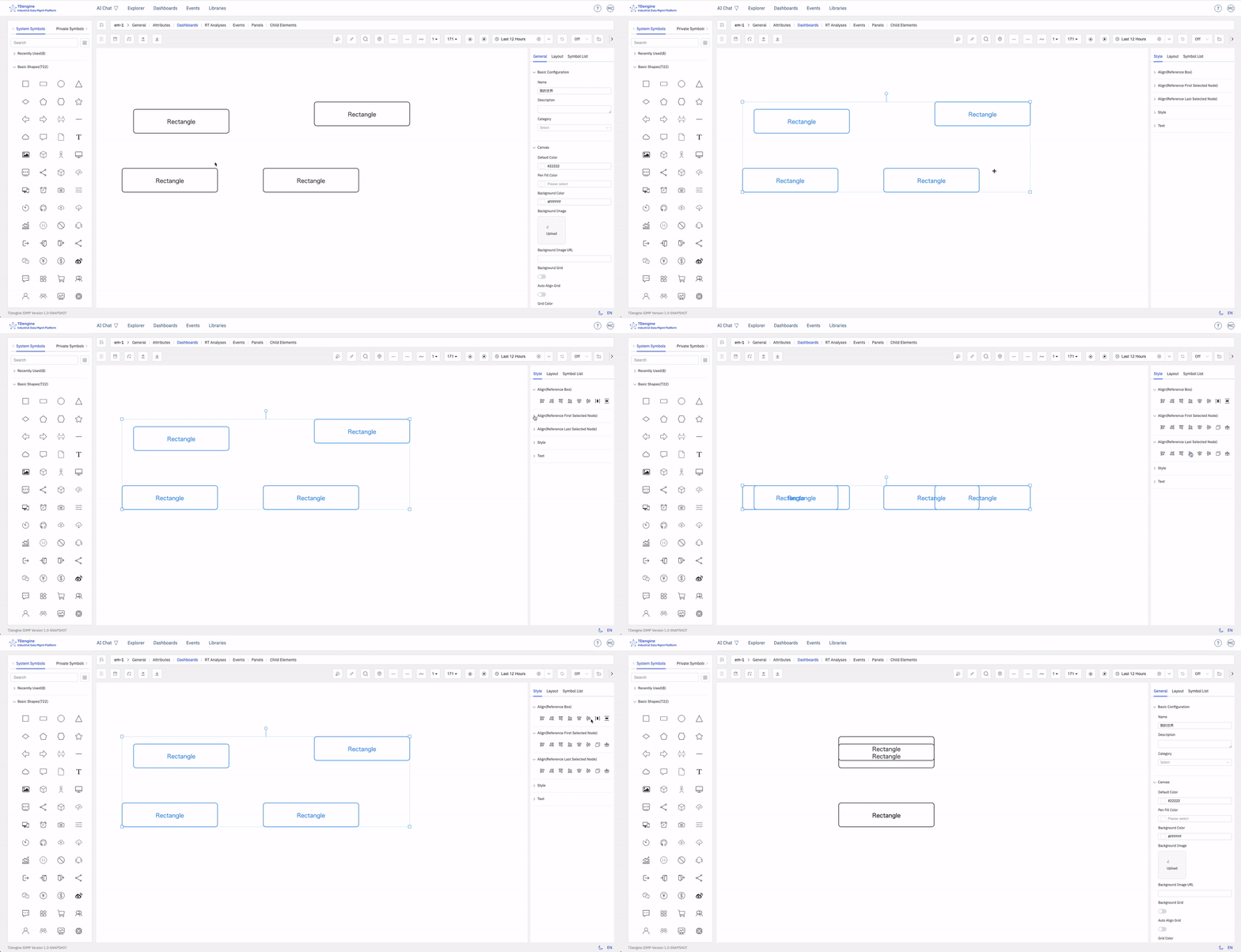
When multiple elements are selected, you can set the canvas layout and perform alignment operations: align left, align right, align top, align bottom, vertical center, horizontal center, distribute evenly left-right, distribute evenly top-bottom, same size, format painter.
5.5.3 Viewing Element List
This lists all elements on the entire canvas. If you click on one, that element will be selected and centered on the canvas.
- Editable: Can edit properties and events
- Locked: Can execute events and interactions
- Disabled: Cannot be selected, does not trigger any events, can be used as a background image.
